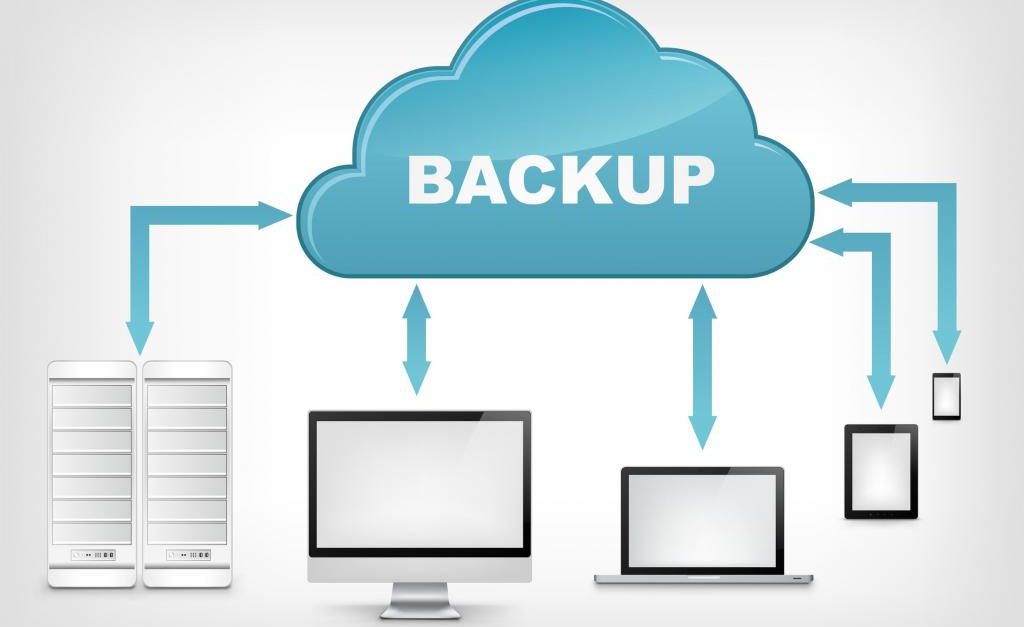
Self-hosted backups only work if you can actually restore them. Many homelab setups skip restore testing because it feels tedious, but that is exactly how silent data loss happens. A backup job can report success every day and still fail when you need it most. Restoring backups regularly is the only way to confirm your data is truly safe.
Why Restore Testing Matters
Backups and restores are not the same thing. A backup is a copy. A restore is proof that the copy works. Without testing restores, you are assuming your storage pool, export settings, network path, and encryption keys all cooperate under pressure. Assumptions break during disasters, not during routine backups.
Common failure points include corrupted ZFS datasets, expired cloud credentials, missing container images, incompatible VM configurations after a hypervisor upgrade, and accidental deletions that propagate through scheduled jobs.
What to Test
Start with the backups that would hurt the most to lose. For most homelabs, that order is:
- VM and container images
- Important files and media
- Database dumps
- Configuration files and scripts
Test at least one item from each layer every month. If you have critical VMs, test a full VM restore quarterly. If you rely on cloud sync, test downloading and decrypting a backup file from cold storage.
Restore Testing Workflow
A practical workflow keeps the process manageable. First, pick a test target: an isolated Proxmox node, a spare dataset on TrueNAS, or a temporary directory. Second, document the restore steps so the process is repeatable and not dependent on memory. Third, verify the restored data by checking file counts, hashes, application functionality, and database integrity. Fourth, record the result in a maintenance log with date, duration, and any issues found.
Automate the easy parts. Schedule monthly restore drills with scripts that compare file counts and checksums, then send a summary to Telegram or email. Manual checks are still needed for application-level validation, but automation removes the excuse of not having time.
Documentation and Runbooks
Every restore test should produce a short runbook entry: what was restored, where it was restored to, how long it took, and whether it succeeded. Over time, this becomes your incident response guide during actual outages. When a drive fails or a VM becomes unbootable, you want a proven procedure rather than improvisation.
Store these runbooks somewhere accessible, ideally off-site or in version control, so they survive the same failures they are meant to address.
Why This Works Better
Many guides focus heavily on backup tools and schedules while ignoring validation. Restoring backups is less glamorous than installing new software, but it is the step that separates confident operators from lucky ones. A homelab with untested backups is just a delayed disaster.
Final Thoughts
Build restore testing into your maintenance routine the same way you update packages or scrub ZFS pools. Start small: restore one file, then one dataset, then one VM. The goal is not perfection on the first try; it is knowing exactly what to do when something goes wrong. Your future self will thank you during an actual emergency.