Zorin OS: The Best Linux Distro for Beginners and Windows Switchers in 2025
If you’re searching for a Linux distribution that is simple, elegant, and incredibly easy for beginners, then Zorin OS Linux is one of the best options you can choose in 2025. Designed with a beautiful interface, compatibility with modern and old hardware, and a familiar Windows-like experience, Zorin OS aims to make switching to Linux as effortless as possible.
Whether you’re tired of Windows updates, want a faster system, or simply want to try something new without the steep learning curve, this article will walk you through everything you need to know about Zorin OS. We’ll cover what it is, why it’s so popular, its features, editions, performance, advantages, and who it’s best suited for.
Let’s dive in—with a relaxed but clear explanation.
What Is Zorin OS?
Zorin OS is a Linux distribution based on Ubuntu LTS, meaning it inherits:
- long-term support
- stability
- massive software availability
- great hardware compatibility
- security updates for years
Zorin OS is developed by Zorin Group in Ireland and focuses on two main goals:
- Make it extremely easy for Windows and macOS users to switch to Linux.
- Offer a modern, professional, and easy-to-use Linux desktop experience.
Because it’s based on Ubuntu LTS, you get a rock-solid system that’s great for beginners and advanced users alike.
Why Is Zorin OS So Popular?
There are hundreds of Linux distros, but Zorin OS stands out because it solves real problems for beginners. Here are the main reasons people love it:
1. A Familiar Windows-Like Desktop
The biggest barrier for new Linux users is the unfamiliar desktop environment. Zorin OS solves this with Zorin Appearance, an app that lets you instantly switch layouts:
- Windows 10
- Windows 11
- Windows 7
- macOS style
- GNOME style
- Touch-friendly layouts
This makes the transition from Windows feel natural — no need to learn a new workflow right away.
2. Fast, Lightweight, and Great for Old Computers
One of Zorin OS’s strongest features is its performance. Even the Core edition is lightweight, and the Zorin OS Lite edition is perfect for older hardware.
Minimum requirements (Lite):
- 1GB RAM
- Dual-core CPU
- 20GB storage
If you have an old laptop collecting dust, Zorin OS Lite can bring it back to life.
This makes Zorin OS ideal for:
- old laptops
- school computers
- business PCs
- home office machines
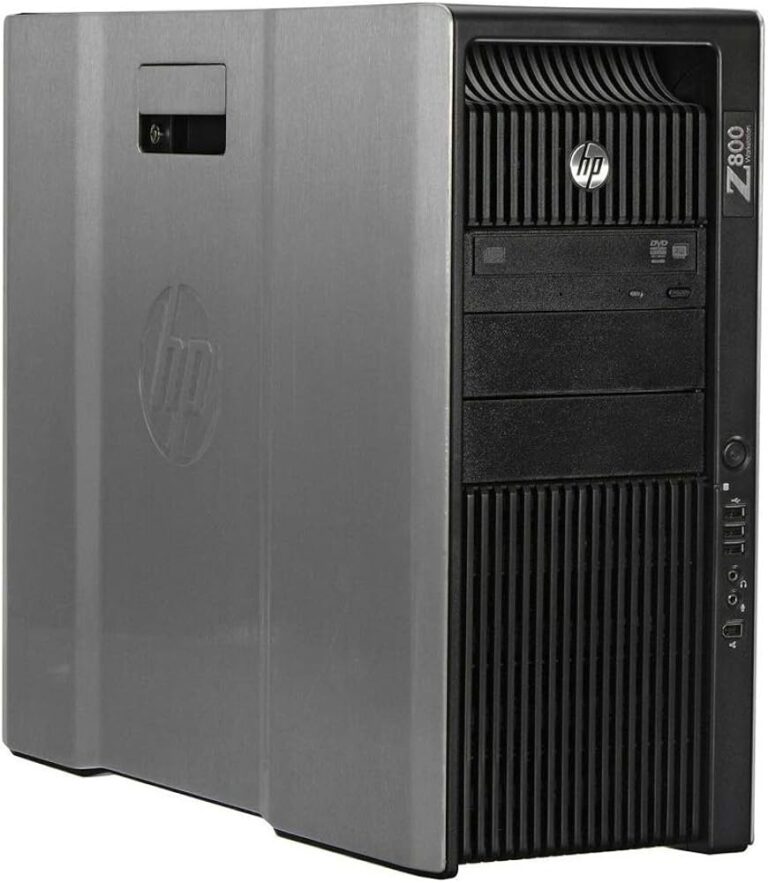
- refurbished machines for sale
3. Clean, Elegant, and Professional Design
Zorin OS looks beautiful right out of the box. The default theme is modern and clean, making it great for:
- office environment
- school labs
- productivity work
- professional use
- creative users
Some users even say Zorin OS looks better than Windows 11.
4. Wide Compatibility with Software
Zorin OS supports:
- Ubuntu software repositories
- Flatpak
- Snap
- AppImage
- .deb packages
- Windows apps through Wine
It even includes Zorin OS Windows App Support, making it easier than ever to run Windows software without complicated setup.
Supported Windows apps include:
- Notepad++
- Foobar2000
- WinSCP
- FileZilla Windows
- MS Office (older versions)
- Various games
5. Zorin Connect — One of the Best PC-to-Phone Integrations
This is arguably one of the best features of Zorin OS. Zorin Connect allows seamless communication between Android and your PC.
You can:
- share files instantly
- receive phone notifications on your desktop
- control your PC’s music from your phone
- send SMS from your computer
- use your phone as a mouse/keyboard
- control presentations
Even Windows doesn’t offer this level of integration by default.
Editions of Zorin OS: Which One Should You Use?
Zorin OS comes in several versions depending on your needs.
✔ Zorin OS Core (Free)
The standard version with a sleek GNOME-based desktop. Great for most users.
✔ Zorin OS Lite (Free)
XFCE-based, extremely lightweight. Best for older hardware.
✔ Zorin OS Pro (Paid)
Includes:
- additional layouts (macOS, Windows Pro style, ChromeOS-like design)
- premium themes
- creative apps preinstalled
- professional support
If you want the full Zorin experience, Pro is worth considering.
✔ Zorin OS Education (Free)
Designed for schools, includes learning software and teaching tools.
Key Features of Zorin OS
Here’s what makes Zorin OS Linux truly unique:
1. Zorin Appearance
Customize your desktop look instantly.
2. Zorin Connect
The best Android-to-Linux integration available today.
3. Windows App Support
Run many Windows programs using built-in compatibility tools.
4. Lightweight and Stable
Works smoothly on systems with very low resources.
5. Easy App Installation
Supports all major Linux software formats.
6. Secure and Privacy-Focused
Linux security plus Zorin’s clean design (no ads or telemetry).
Performance and Resource Usage
Zorin OS is surprisingly efficient.
RAM usage (average idle):
- Zorin OS Core: 700–900MB
- Zorin OS Lite: 300–450MB
Compared to Windows 10/11 that easily takes 2–4GB just to idle, Zorin OS feels light and snappy.
Is Zorin OS Good for Gaming?
Yes — and it’s getting better every year.
With support for:
- Steam + Proton
- Lutris
- Heroic Games Launcher
- Wine
- RetroArch
- Vulkan
- Native Linux games
You can play thousands of Windows games easily.
AMD GPUs work extremely well out of the box because the drivers are built into the kernel.
NVIDIA GPUs are also supported — Zorin OS provides official proprietary drivers.
Overall, Zorin OS is a surprisingly good option for casual and mid-level gamers.
Zorin OS for Productivity & Work
If you use your computer for office work or creative tasks, Zorin OS is more than capable.
Popular apps include:
- LibreOffice
- OnlyOffice
- Google Workspace
- Thunderbird
- VS Code
- GIMP
- Inkscape
- Kdenlive
- Blender
Thanks to Ubuntu LTS as its base, Zorin OS offers excellent long-term stability, making it suitable for business environments.
Advantages and Disadvantages of Zorin OS
✔ Advantages
- Extremely beginner-friendly
- Familiar Windows-like layout
- Lightweight and fast
- Works great on older hardware
- Zorin Connect is amazing
- Stable and secure
- Beautiful UI
- Runs many Windows apps
- Easy to maintain
✖ Disadvantages
- Not a rolling release (software not always latest version)
- Pro version requires payment
- Not ideal for extreme customization lovers
- Not as cutting-edge as Arch or Fedora
Who Should Use Zorin OS Linux?
Zorin OS is perfect for:
- total beginners
- Windows switchers
- students
- office workers
- home users
- older computers
- schools and labs
- users who want a beautiful, stable system
It’s not ideal for:
- advanced Linux tinkerers
- people who want bleeding-edge updates